
Creating an ideal home workspace for video streaming and more has never been more essential, particularly with the rise of remote work and virtual meetings. Crafting a functional and aesthetically pleasing environment can significantly boost productivity and enhance video calls and streaming quality.
Selecting suitable lighting is crucial for achieving a professional look during video calls. Implementing a 3-point lighting system, including a key, fill, and backlight, can dramatically improve your on-screen appearance.
In addition to the technical aspects, it is essential to consider the overall atmosphere of your workspace. A well-ventilated room with adequate natural light can help maintain focus and reduce fatigue. Integrating personal touches like decor and plants can make the space more inviting and conducive to efficient work.
Setting Up Your Workspace
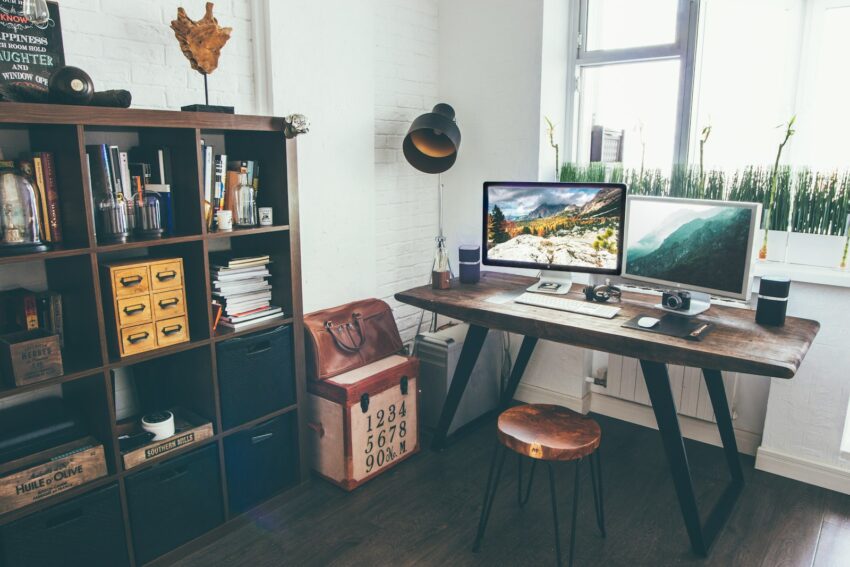
Creating a functional and efficient workspace in your home involves choosing the right location, selecting essential furniture, ensuring proper lighting and ventilation, and enhancing internet and equipment reliability. These elements are critical for achieving a productive and comfortable working environment.
Choosing the Right Location
Selecting the optimal location for your home workspace is crucial. A spare bedroom or a dedicated corner of a quiet area can provide the seclusion needed to foster concentration and minimize distractions. Natural light can enhance mood and productivity, so positioning the desk near a window is beneficial. Quiet surroundings can reduce disturbances and increase focus. Inspiration can be drawn from a comfortable and organized space, leading to higher productivity levels.
Essential Furniture Selection
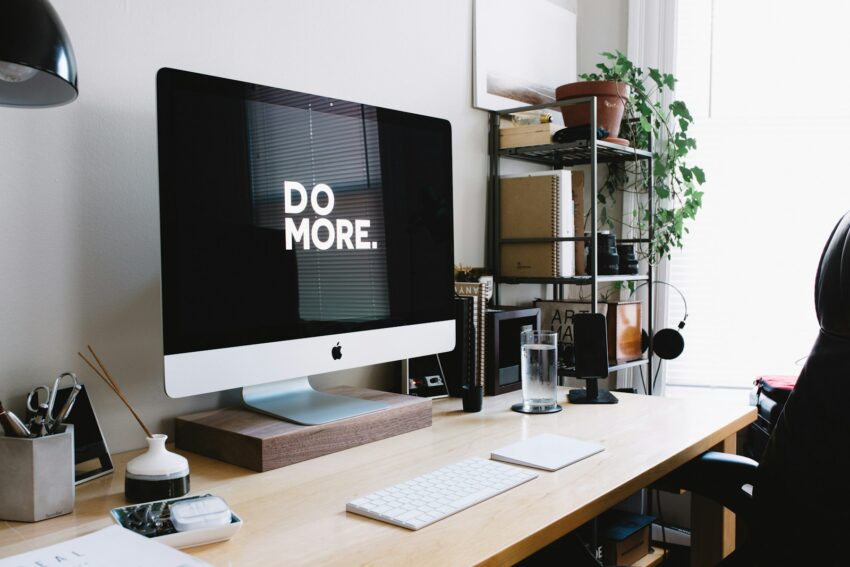
Choosing the right furniture is fundamental for comfort and efficiency. A sturdy desk and a comfortable chair are the cornerstones of a productive home office. Ergonomic furniture, like chairs that support good posture, helps prevent strain during long working hours. Storage solutions such as shelves and filing cabinets keep the workspace tidy and organized. A good desk lamp can provide excellent task lighting, especially in areas with limited natural light.
Optimizing Lighting and Ventilation
Proper lighting and ventilation are necessary for a comfortable home office. Natural light can boost morale and productivity, so arranging the workspace to maximize natural light is ideal. If the workspace lacks natural light, combining overhead lighting and desk lamps can ensure it remains well-lit. Good air quality and ventilation complete the environment, preventing stuffiness and guaranteeing a fresh, invigorating atmosphere.
Enhancing Internet and Equipment Reliability
Strong and reliable internet is critical for a home office setup, especially for tasks such as video streaming. Sometimes when reviewing the streaming recordings, you’re left wondering why won’t my MacBook play videos. Usually, simply ensuring a stable internet connection should be one of the first steps to troubleshooting this issue. High-speed internet is a must, along with a dependable Wi-Fi connection. Positioning the router centrally or using extenders can enhance coverage. Ensuring that computers, laptops, and other equipment are of good quality can prevent technical issues. Proper cable management can help keep the workspace clutter-free, creating a more organized and efficient work environment.
Comfort and Ergonomics
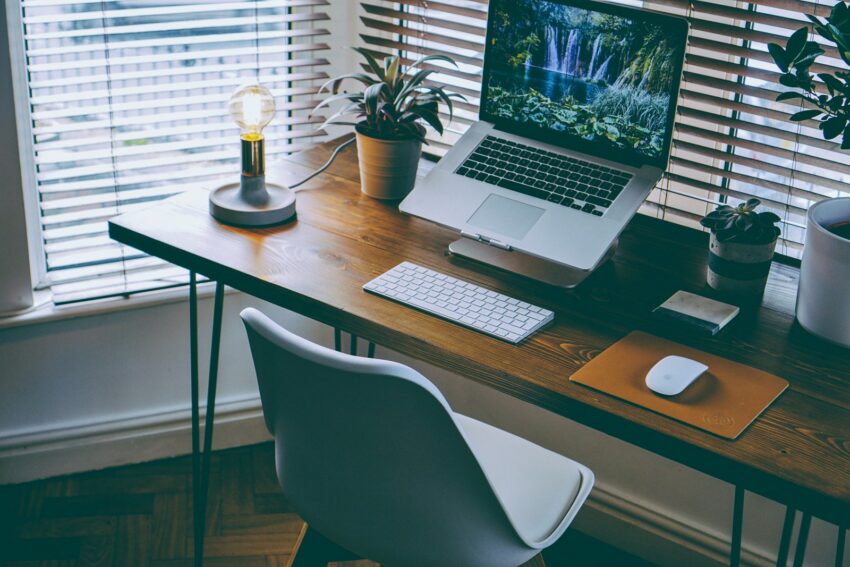
Ensuring comfort and proper ergonomics in a home workspace can significantly impact productivity and prevent physical strain. Focus on securing a supportive chair and incorporating ergonomic accessories to create an efficient and comfortable environment.
The Importance of a Supportive Chair
A supportive chair is crucial to maintaining comfort during long hours of work or streaming. The Branch Ergonomic Chair is often recommended for its comfort, quality, and adjustability.
Look for chairs with lumbar support to protect the lower back and adjustable armrests to reduce strain on the shoulders and arms. The chair should also adjust seat height to ensure that feet rest flat on the floor, promoting better posture. Opting for a chair with breathable material can improve comfort, particularly in warmer environments.
Incorporating Ergonomic Accessories
Adding ergonomic accessories to the workspace can further enhance comfort and reduce strain. A laptop stand can elevate the screen to eye level, preventing neck strain. An adjustable desk, like the SHW Electric Height Adjustable Computer Desk, allows users to alternate between sitting and standing, which can reduce back pain.
Using an ergonomic keyboard and mouse can also make a significant difference. These devices reduce wrist and hand strain, which is essential for long-term comfort. Headphones with good padding and adjustable settings can prevent discomfort during extended use.
Personalization and Organization
Creating a perfect home workspace for video streaming involves careful consideration of personalization and organization. Adding personal touches and maintaining a tidy area can boost creativity and productivity.
Adding Personal Touches for Inspiration
Incorporate elements that spark creativity and motivation in your workspace. Displaying artwork, photos, or memorabilia can make the area more personal. Succulents or other plants add a touch of greenery, creating a more inviting atmosphere. Personal items like a favorite mug or a unique desk lamp can also provide comfort and warmth. It’s essential to strike a balance, ensuring the workspace remains functional while reflecting individual tastes and interests.
Maintaining an Organized and Clutter-free Space
The organization is critical to a productive home office. Utilize drawers, baskets, and shelves to keep items neatly stored. Having a filing system for documents ensures that essential papers are easily accessible. Regular tidying prevents clutter from accumulating, making it easier to focus on tasks. Designate specific areas for frequently used items, such as a pen holder on the desk, to streamline daily activities. Keeping cables and gadgets orderly can prevent distractions and maintain a professional appearance for video streaming.
Selecting Appropriate Decorative and Functional Items
Choose decorative pieces that are both aesthetically pleasing and functional. Items like stylish storage boxes or elegant desk organizers can enhance the look of the space while providing essential utility. A comfortable chair is crucial for long work hours, supporting posture and reducing fatigue. Consider ergonomic accessories like a well-designed keyboard and mouse to improve comfort and efficiency. Lighting is another essential element; combining task lighting and ambient light can prevent eye strain and create a better video streaming environment. Incorporate elements that serve dual purposes to maximize both beauty and functionality in the workspace.